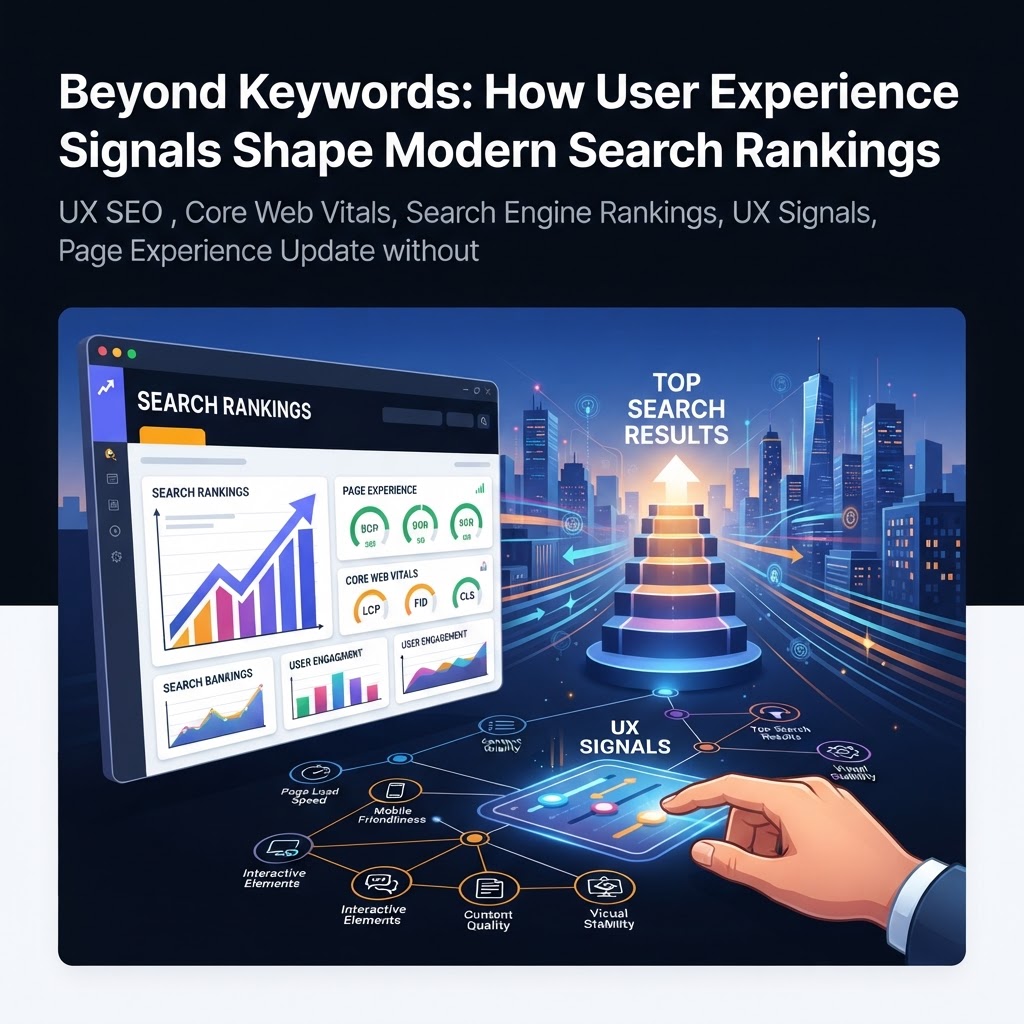
Beyond Keywords: How User Experience Signals Shape Modern Search Rankings
Master the intersection of UX and SEO. Learn how Core Web Vitals, user behavior signals, and site performance impact your Google rankings in this definitive guide.
Beyond Keywords: How User Experience Signals Shape Modern Search Rankings
For years, the SEO industry was divided into two camps: the technical specialists who focused on keywords and backlinks, and the UX designers who prioritized aesthetics and usability. Today, that divide has vanished.
Modern search engines have evolved to reward exactly what users want: fast, accessible, and easy-to-navigate content that genuinely answers their questions. According to Forrester’s 2024 research, customer-obsessed companies report 41% faster revenue growth than their peers. Google has taken note, increasingly baking user experience (UX) directly into its ranking algorithms.
This guide provides a definitive look at how UX signals impact your search visibility and offers actionable strategies to align your site with Google’s user-centric standards.
The Evolution of Page Experience
In the early days of search, ranking was a game of volume—more keywords and more links usually meant higher positions. However, as Google’s AI and machine learning capabilities (like RankBrain and BERT) matured, the algorithm began to understand not just what a page said, but how a user felt while interacting with it.
Google’s "Page Experience" update solidified this shift, grouping several technical and behavioral signals into a unified ranking factor. The message is clear: You can have the best content in the world, but if your site is frustrating to use, you will struggle to rank.
1. The Technical Foundation: Core Web Vitals
Core Web Vitals (CWV) are a set of specific factors that Google considers important in a webpage's overall user experience. These are not just "best practices"; they are confirmed ranking signals.
Largest Contentful Paint (LCP)
LCP measures loading performance. Specifically, it tracks how long it takes for the largest image or text block in the viewport to become visible.
- Good: Under 2.5 seconds.
- Poor: Over 4.0 seconds.
- Strategy: Optimize your images, leverage a Content Delivery Network (CDN), and remove unnecessary render-blocking JavaScript.
Interaction to Next Paint (INP)
Replacing the older First Input Delay (FID), INP measures interactivity. It assesses the time it takes for a page to respond to all user interactions (like clicks or key presses) throughout the entire visit.
- Good: Under 200 milliseconds.
- Strategy: Minimize main-thread work and break up long tasks in your code to ensure the browser can respond to the user instantly.
Cumulative Layout Shift (CLS)
CLS measures visual stability. Have you ever tried to click a button, only for the page to shift and cause you to click an ad instead? That is a poor CLS score.
- Good: A score of less than 0.1.
- Strategy: Always include width and height attributes for images and video elements, and avoid inserting new content above existing content unless in response to a user action.
2. Behavioral User Signals: What the Data Tells Google
While Google is transparent about Core Web Vitals, "user signals"—the behavioral data points derived from how people interact with search results—are more nuanced. While Google often describes these as indirect signals, the correlation between high engagement and high rankings is undeniable.
Click-Through Rate (CTR)
CTR is the percentage of users who click on your link after seeing it in the search results. A high CTR signals to Google that your page is highly relevant to the query.
- Actionable Tip: Craft compelling meta titles and descriptions that promise a specific solution. Use AAA Backlinks or similar tools to analyze which of your pages have high authority but low CTR, then optimize their snippets.
Dwell Time and Engagement Rate
Dwell time is the actual length of time a visitor spends on your page before returning to the SERPs. If a user spends five minutes reading your article, it’s a strong signal of quality. If they leave in five seconds (a "pogo-stick"), it suggests a mismatch between intent and content.
Task Completion Rate
Modern UX isn't just about staying on a page; it's about finishing a journey. Whether it's signing up for a newsletter or finding a specific answer, search engines look for signals that the user's "search task" was successfully completed on your site.
3. Mobile-First: The Non-Negotiable Standard
With over 50% of global web traffic coming from mobile devices, Google now uses the mobile version of your site for indexing and ranking. A site that looks great on a desktop but is unusable on a smartphone will see its rankings plummet.
Key Mobile UX Requirements:
- Responsive Design: Content must automatically adjust to any screen size.
- Touch Readiness: Buttons and links must be large enough to be tapped easily (minimum 48x48 pixels).
- No Intrusive Interstitials: Avoid pop-ups that cover the main content on mobile, as these are heavily penalized by Google.
4. The Intersection of Content Layout and UX
UX is often thought of as "design," but in SEO, it is also about "information architecture." How you present your content determines how well it is consumed.
- Readability: Use short paragraphs, H2 and H3 subheadings, and bullet points. A "wall of text" is a UX nightmare that leads to high bounce rates.
- Internal Linking: Strategic internal links help users navigate to related topics, increasing dwell time and helping search engines understand your site's hierarchy.
- Visual Aids: Original images, charts, and videos break up text and provide additional value, which keeps users engaged longer.
Practical Strategy: How to Audit Your UX for SEO
To improve your rankings through UX, follow this three-step audit process:
- Analyze Field Data: Use the "Page Experience" report in Google Search Console. This shows you exactly which URLs are failing Core Web Vitals based on real-world user data.
- Identify Friction Points: Use heatmapping tools (like Hotjar or Microsoft Clarity) to see where users get stuck. Are they clicking elements that aren't links? Are they scrolling past your most important content?
- Test for Speed: Run your top-performing pages through Google PageSpeed Insights. Focus on the "Opportunities" section to find low-hanging fruit like image compression or CSS minification.
The Role of Authority in UX
It is important to remember that UX does not exist in a vacuum. A fast, beautiful site with no authority will still struggle to rank for competitive terms. This is where the balance of SEO lies. While you build a great experience, you must also build credibility. High-quality backlinks remain the primary way Google measures authority. Using a reputable service like AAA Backlinks can help build the underlying power of your domain, ensuring that when you do provide a great user experience, Google has a reason to show it to the world.
Key Takeaways
- UX is a Ranking Factor: Core Web Vitals (LCP, INP, CLS) are confirmed signals that directly impact your position in the SERPs.
- Speed and Stability Matter: A site that loads slowly or shifts visually will be penalized, regardless of content quality.
- Mobile is Priority One: Ensure your mobile experience is seamless, as Google uses mobile-first indexing.
- Engagement Signals Matter: High CTR and long dwell times indirectly signal to Google that your content is valuable and relevant.
- Holistic SEO: Combine technical UX, high-quality content, and authoritative link building for the best results.
FAQ
Q: Do Core Web Vitals affect desktop and mobile rankings equally?
A: Google uses separate ranking signals for desktop and mobile, but since mobile-first indexing is the standard, your mobile CWV scores are generally more critical for your overall search visibility.
Q: Is bounce rate a direct ranking factor?
A: Google has stated that "bounce rate" as measured in Google Analytics is not a direct ranking factor. However, "pogo-sticking" (users clicking back to search results immediately) is a strong signal that your page did not satisfy the user's intent.
Q: How often should I audit my site's UX signals?
A: You should monitor your Page Experience report in Google Search Console at least once a month. Technical issues can arise with new site updates, plugin installs, or server changes that can suddenly degrade your UX scores.
Tags