Sitemap Optimization: The Definitive Guide to Faster Crawling and Indexing
Master sitemap optimization to improve crawl efficiency and indexing speed. Learn technical best practices, lastmod strategies, and how to manage large-scale sites.
Sitemap Optimization: The Definitive Guide to Faster Crawling and Indexing
In the world of Technical SEO, discovery is the first hurdle. If a search engine cannot find your content, it cannot index it, and it certainly cannot rank it. While Googlebot is remarkably efficient at following links, relying solely on natural discovery is a gamble—especially for large, complex, or rapidly changing websites.
This is where sitemap optimization becomes a critical lever. A sitemap is not just a technical requirement; it is a direct communication channel between your server and search engine crawlers. When optimized correctly, it acts as a high-priority roadmap that guides bots to your most valuable content, ensuring faster indexing and more efficient use of your crawl budget.
In this guide, we will move beyond the basics of "having a sitemap" and dive into the advanced strategies required to turn your sitemap into a performance engine.
1. The Anatomy of a High-Performance XML Sitemap
An XML sitemap is a machine-readable file that lists the URLs of a website along with additional metadata. According to the Sitemaps Protocol, there are strict limits you must adhere to:
- URL Limit: A single sitemap file cannot exceed 50,000 URLs.
- Size Limit: A single sitemap file cannot exceed 50MB (uncompressed).
However, just because you can include 50,000 URLs doesn't mean you should. High-performance sitemaps are lean. They prioritize quality over quantity.
The "Golden Rule" of Sitemap Hygiene
Your sitemap should only contain indexable, canonical URLs. Including low-quality or non-indexable pages confuses search engines and wastes crawl budget.
Never include the following in your XML sitemap:
- URLs with
noindextags. - Non-canonical URLs (e.g., duplicate pages or parameters).
- URLs that return 404 (Not Found) or 410 (Gone) errors.
- URLs that redirect (301 or 302 status codes).
- Pages blocked by
robots.txt. - Utility pages with no search value (e.g., login screens, privacy policies, or thank-you pages).
2. Leveraging the lastmod Tag for Faster Re-indexing
The <lastmod> tag is perhaps the most misunderstood and underutilized element in sitemap optimization. It tells search engines when a page was last modified.
Google has explicitly stated that they use the lastmod value to schedule recrawls. If you update a high-value blog post or a product page, updating the lastmod timestamp in your sitemap signals to Googlebot that the content is fresh and needs to be re-evaluated.
Best Practices for lastmod:
- Be Accurate: Only update the timestamp when significant changes are made to the content. Changing a single comma or a sidebar widget does not warrant a
lastmodupdate. - Use W3C Datetime Format: Ensure your dates follow the
YYYY-MM-DDformat (or include the time for high-frequency sites). - Automate It: Manually updating timestamps is impossible at scale. Use a CMS or a tool that dynamically updates the sitemap whenever a post or page is saved.
3. Scaling with Sitemap Index Files
For enterprise-level websites or e-commerce stores with hundreds of thousands of products, a single sitemap is insufficient. In these cases, you must use a Sitemap Index File.
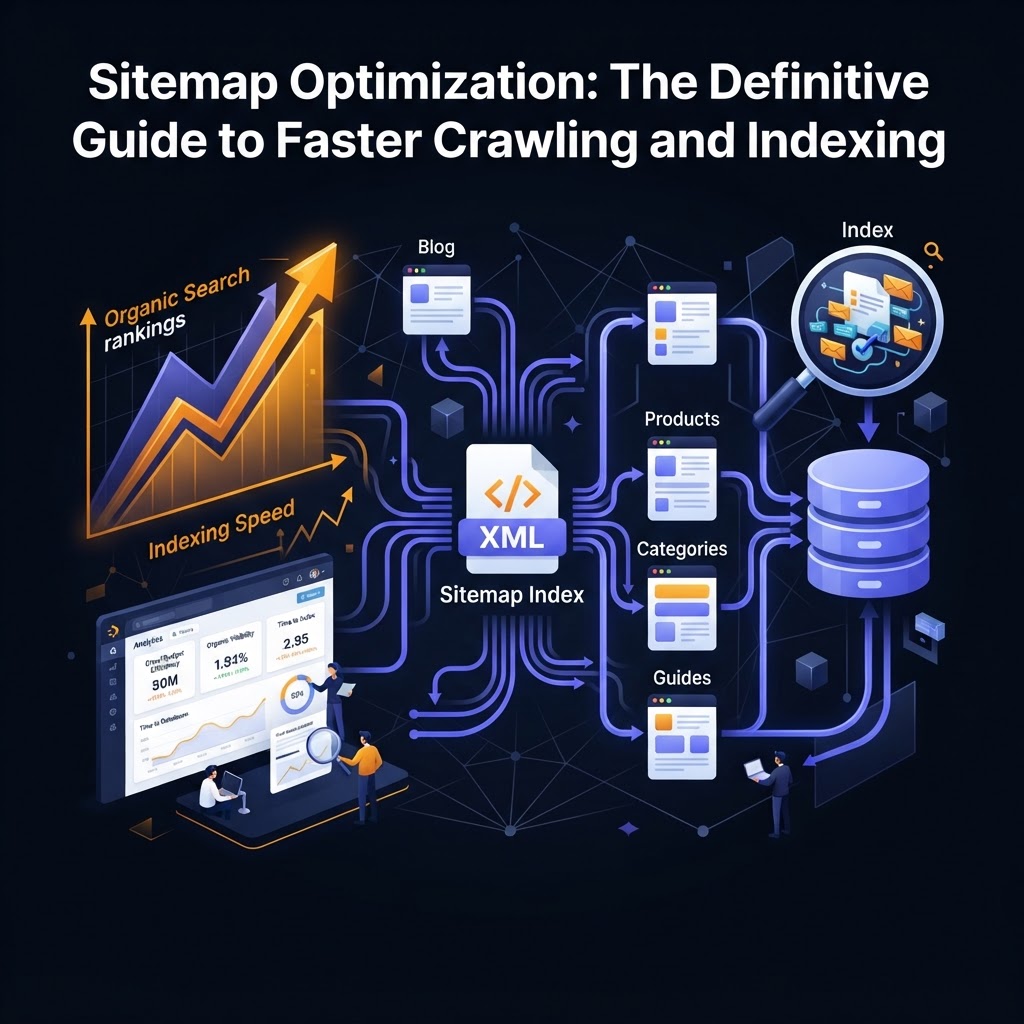
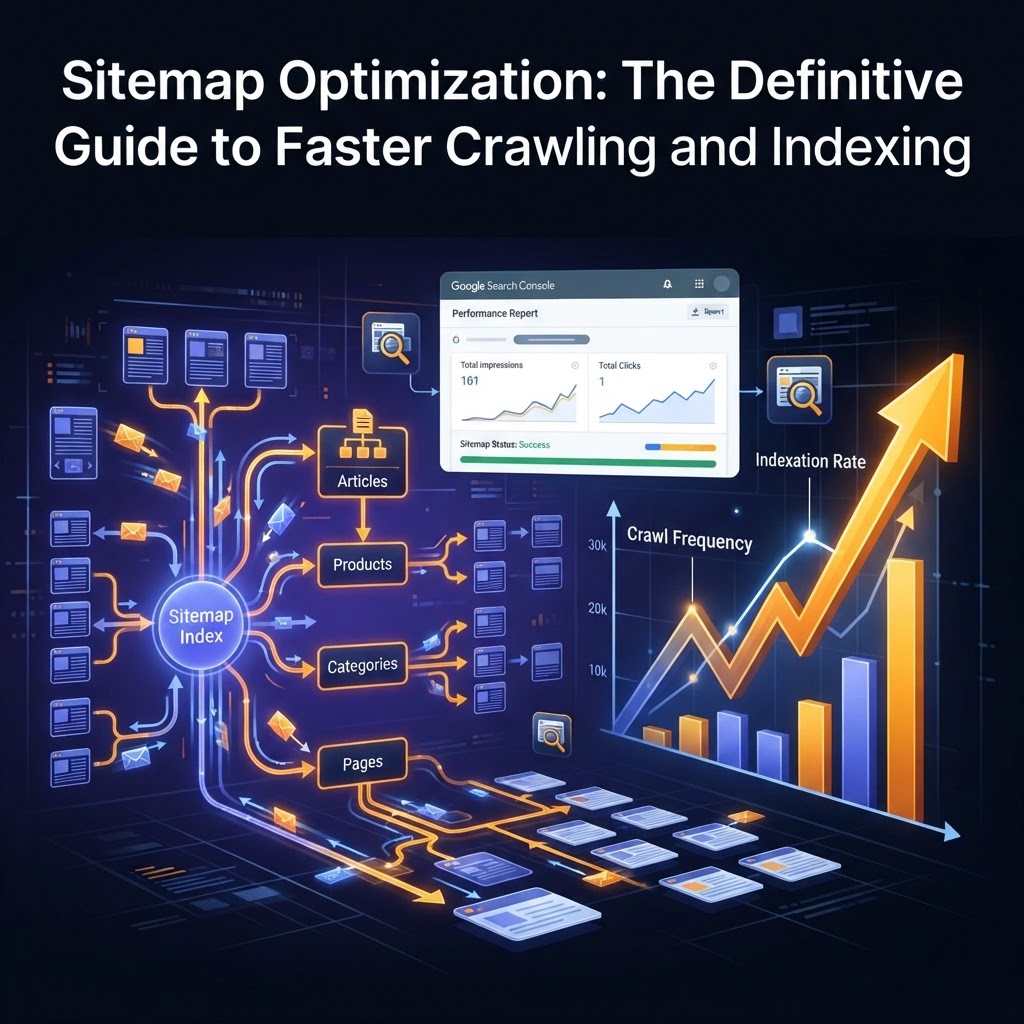
A sitemap index acts as a "folder" that points to multiple individual sitemap files. This structure allows you to categorize your URLs, which provides two major benefits:
- Granular Reporting: In Google Search Console, you can see indexing status for each individual sitemap. If your "Product" sitemap has a low indexing rate but your "Blog" sitemap is 100% indexed, you know exactly where the technical issues lie.
- Crawl Prioritization: By splitting sitemaps by category (e.g.,
sitemap-products.xml,sitemap-categories.xml,sitemap-blog.xml), you help search engines understand the architecture of your site more clearly.
4. Specialized Sitemaps: Beyond Standard Pages
Standard XML sitemaps are great for HTML pages, but search engines also look for specialized content. If your site relies heavily on media or news, you should implement specialized sitemaps:
- Image Sitemaps: Help Google discover images that might be loaded via JavaScript or are otherwise difficult to find. This is essential for e-commerce and photography sites.
- Video Sitemaps: Provide metadata like duration, thumbnail URL, and description, which helps your content appear in Google Video search results.
- News Sitemaps: If you are a Google News publisher, a dedicated news sitemap (containing only articles from the last two days) is mandatory for rapid discovery.
5. Advanced Strategies for Crawl Efficiency
The "Sitemap-to-Internal-Link" Alignment
Search engines use sitemaps as a discovery tool, but they use internal links to understand importance. If a URL is in your sitemap but has zero internal links (an "orphan page"), Google may still refuse to index it. Ensure that every URL in your sitemap is also accessible through your site's navigation or internal linking structure.
Dynamic Generation vs. Static Files
Static sitemaps are often outdated the moment they are created. For modern SEO, dynamic sitemaps are the standard. These are generated on-the-fly by your server or CMS, ensuring that new content is added—and deleted content is removed—instantly.
While tools like Screaming Frog are excellent for one-time audits, automated content engines like AAA Backlinks or enterprise SEO platforms can help ensure that the pages you are building are technically sound and ready for inclusion in a high-performance sitemap.
6. Submission and Monitoring in Google Search Console
Creating the sitemap is only half the battle. You must ensure search engines are consuming it correctly.
- Submit to GSC and Bing Webmaster Tools: Don't wait for bots to find your sitemap in
robots.txt. Manually submit the URL of your sitemap (or sitemap index) to the respective webmaster tools. - Reference in Robots.txt: Add a line to your
robots.txtfile:Sitemap: https://www.yourdomain.com/sitemap_index.xml. This acts as a fallback for all crawlers. - Monitor the "Sitemaps" Report: Check for errors regularly. Common issues include "URL not allowed" (usually a cross-domain issue) or "Sitemap could not be read."
Data-Backed Insight: The Indexing Gap
Industry studies suggest that for large sites, up to 20-30% of crawl budget can be wasted on non-essential pages. By cleaning your sitemap and using the lastmod tag effectively, you can reduce this waste, leading to a measurable increase in the speed at which new content appears in the SERPs.
Key Takeaways
- Quality Over Quantity: Only include 200 OK, indexable, canonical URLs. Remove redirects, 404s, and noindexed pages.
- Use
lastmodWisely: Update the modification timestamp only for significant content changes to signal freshness to Googlebot. - Segment for Scale: Use sitemap index files to categorize URLs, allowing for better troubleshooting in Google Search Console.
- Automate Discovery: Use dynamic sitemaps to ensure new content is discovered by search engines within minutes, not days.
- Align with Internal Links: Ensure sitemap URLs are supported by a strong internal linking structure to avoid orphan page issues.
Frequently Asked Questions (FAQ)
1. Does having a sitemap guarantee that my pages will be indexed?
No. A sitemap is a "hint" rather than a directive. It helps search engines discover your URLs, but Google will still evaluate the quality, uniqueness, and authority of the page before deciding to index it.
2. How often should I update my sitemap?
Your sitemap should be updated as often as your content changes. For most sites, this means using a dynamic sitemap that updates automatically whenever a new page is published or an existing one is modified.
3. Should I include my images in my main XML sitemap or a separate one?
Both are acceptable. You can add image tags to your existing page URLs in the standard sitemap, or create a dedicated image sitemap. For sites with thousands of images, a separate image sitemap is often cleaner and easier to manage.
Tags