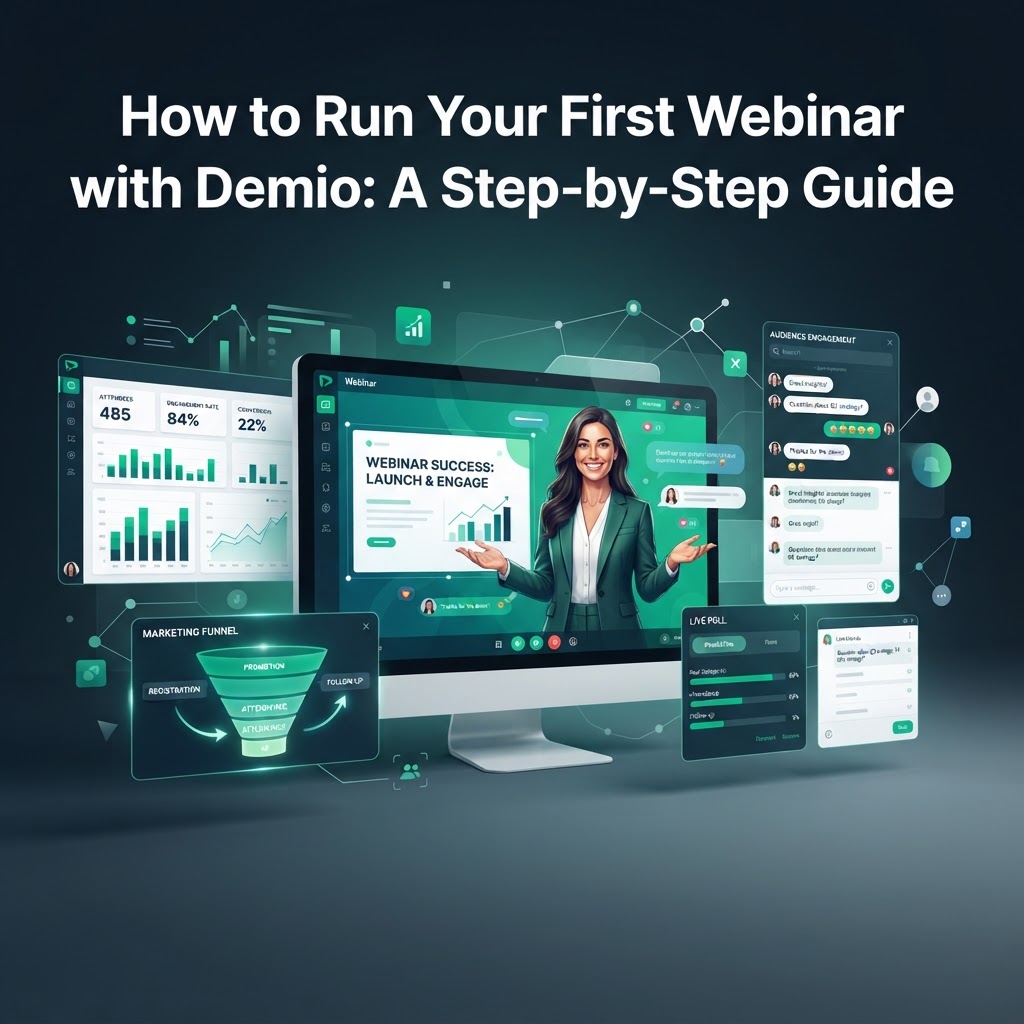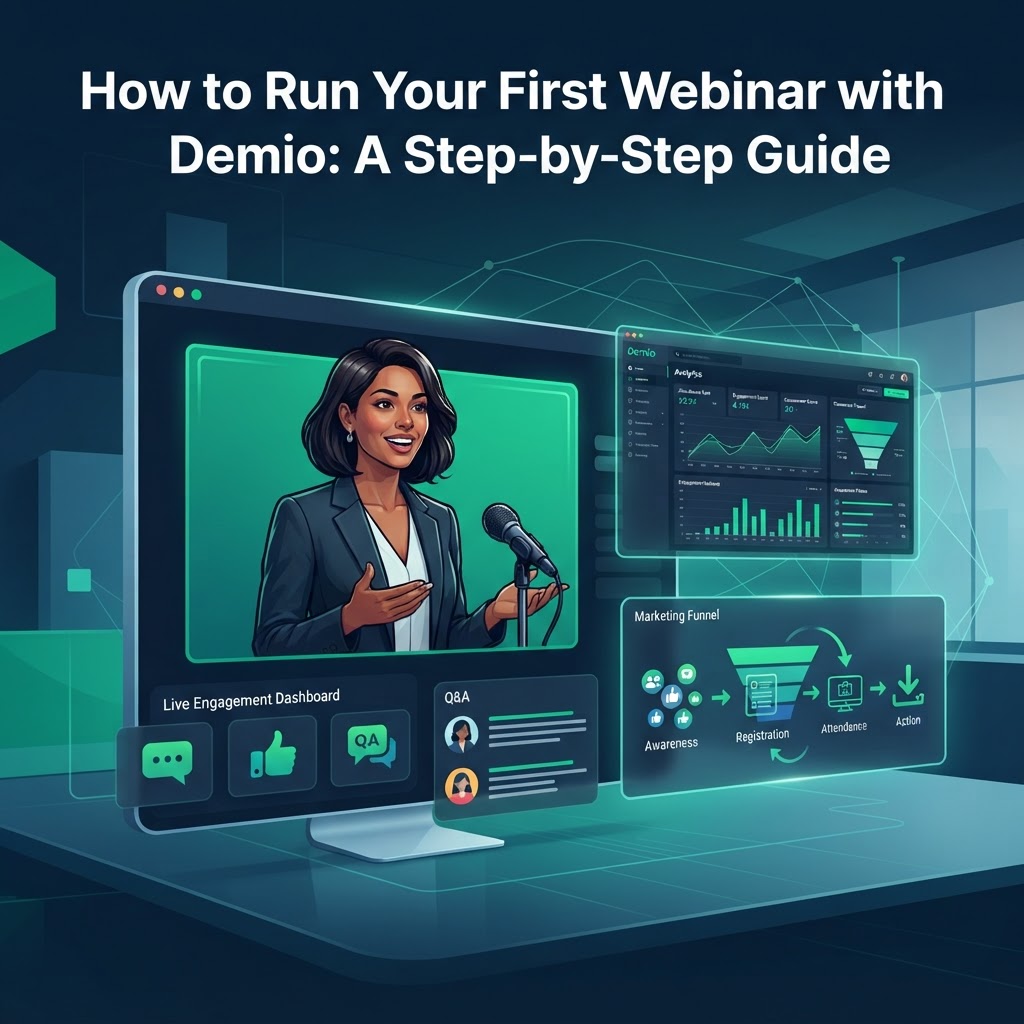
How to Run Your First Webinar with Demio: A Step-by-Step Guide
Master your first webinar with Demio. Our step-by-step guide covers setup, engagement tools, and analytics for B2B marketers, coaches, and course creators.
How to Run Your First Webinar with Demio: A Step-by-Step Guide
In the modern B2B landscape, webinars have transitioned from a "nice-to-have" to a core pillar of the marketing tech stack. Research indicates that 95% of marketers view webinars as an essential part of their advertising and lead generation efforts. However, the technical friction of "clunky" legacy software often stands in the way of a seamless attendee experience.
Enter Demio—a platform built specifically for marketers, course creators, and coaches who need a professional, hassle-free way to connect with their audience. Unlike traditional meeting tools, Demio is entirely browser-based, meaning your attendees never have to download software to join your session.
Get started with Demio — the hassle-free webinar platform built for marketers. Use our referral link to sign up and start hosting professional webinars with a 14-day free trial (Referral code: s4oigt).
Why Choose Demio for Your B2B Strategy?
For B2B companies, the goal of a webinar isn't just to broadcast information; it’s to generate high-quality leads and track ROI. Demio excels here by removing the "download barrier." When an attendee can join a room in one click from their browser, attendance rates typically increase because the technical friction is eliminated.
Beyond the user experience, Demio offers flexible pricing plans for any business size and supports three primary event formats:
- Live Webinars: Standard real-time broadcasts for product launches or Q&As.
- Automated/Evergreen Webinars: Pre-recorded sessions that run on autopilot to generate leads 24/7.
- Series Webinars: A collection of related live sessions (e.g., a multi-day training course).
Step 1: Setting Up Your Event and Branding
Once you log into the Demio dashboard, creating your first event takes only a few minutes.
Custom Branding
First impressions matter. Demio allows you to create custom-branded registration pages and webinar rooms. You can upload your logo, choose your brand colors, and customize the fields on your registration form to ensure you are capturing the specific data your sales team needs.
Automated Notifications
Don't worry about manual reminders. Demio includes a built-in automated email system that sends confirmations, reminders, and follow-up emails to your registrants. This ensures your "show-up" rate remains high without extra administrative work.
Step 2: Mastering Interactive Engagement Tools
A common mistake in webinar marketing is "lecturing" at the audience. To keep attendees from dropping off, you must leverage Demio’s suite of interactive tools:
- Live Chat & Q&A: Use the dedicated Q&A tab to organize questions and the public chat to build community.
- Polls: Launch real-time polls to gather market data or gauge audience sentiment.
- Handouts: Share PDF guides, checklists, or slide decks directly within the webinar room for immediate download.
- Featured Actions (CTAs): This is a standout feature for marketers. You can trigger a visual Call-to-Action (like a "Book a Demo" button) that appears on the screen during the presentation, driving immediate conversions.
Step 3: Integrating with Your Marketing Stack
For a webinar to be effective, the data must flow into your existing systems. Demio is a HubSpot Certified App and integrates natively with popular CRMs and marketing automation tools like ActiveCampaign, Mailchimp, and Salesforce.
By connecting your CRM, you can automatically tag attendees based on their behavior—such as whether they stayed for the whole session or clicked your CTA—allowing for highly personalized post-webinar follow-ups.
Step 4: Analyzing ROI and Performance
After the session ends, the work of a marketer begins. Demio provides detailed analytics and reporting that go far beyond simple attendance counts. You can track:
- Focus Time: See exactly when attendees were engaged and when they switched tabs.
- Engagement Rates: Measure how many people participated in polls or clicked your handouts.
- Registration Source Tracking: Identify which marketing channels (LinkedIn, Email, Ads) drove the most high-value registrants.
These insights allow you to calculate the true ROI of your webinar program and refine your content for future sessions.
Best Practices for a Flawless First Run
- Conduct a Dress Rehearsal: Use Demio’s "Stage" feature to run a practice session with your co-hosts to test your audio, video, and screen sharing.
- Prepare for Q&A: Anticipate common questions and have a few "seed" questions ready to kick off the conversation.
- Leverage Replays: Demio automatically records your sessions. Send the replay link to those who couldn't attend live to extend the life of your content.
Conclusion
Running a professional webinar doesn't have to be a technical headache. By choosing a platform like Demio that prioritizes the marketer's needs and the attendee's experience, you can focus on what really matters: delivering value and growing your business. Whether you are a B2B marketer looking for better lead data or a coach launching your first course, Demio provides the tools to make your digital events a success.
Start hosting professional webinars with Demio today. Get started with Demio — the hassle-free webinar platform built for marketers. Use our referral link to sign up and start hosting professional webinars with a 14-day free trial (Referral code: s4oigt).
Tags